

Last updated: September 9, 2026 · 9-minute read
If you are comparing a remote control vibrator with an app-controlled model, product pages can make remotes, Bluetooth, apps, and long-distance control sound interchangeable. They are not.
The useful choice is not “more technology versus less.” It is deciding who should be able to control the product, from how far away, and how much setup and data sharing you are comfortable with.
In this guide
What “remote control vibrator” actually means
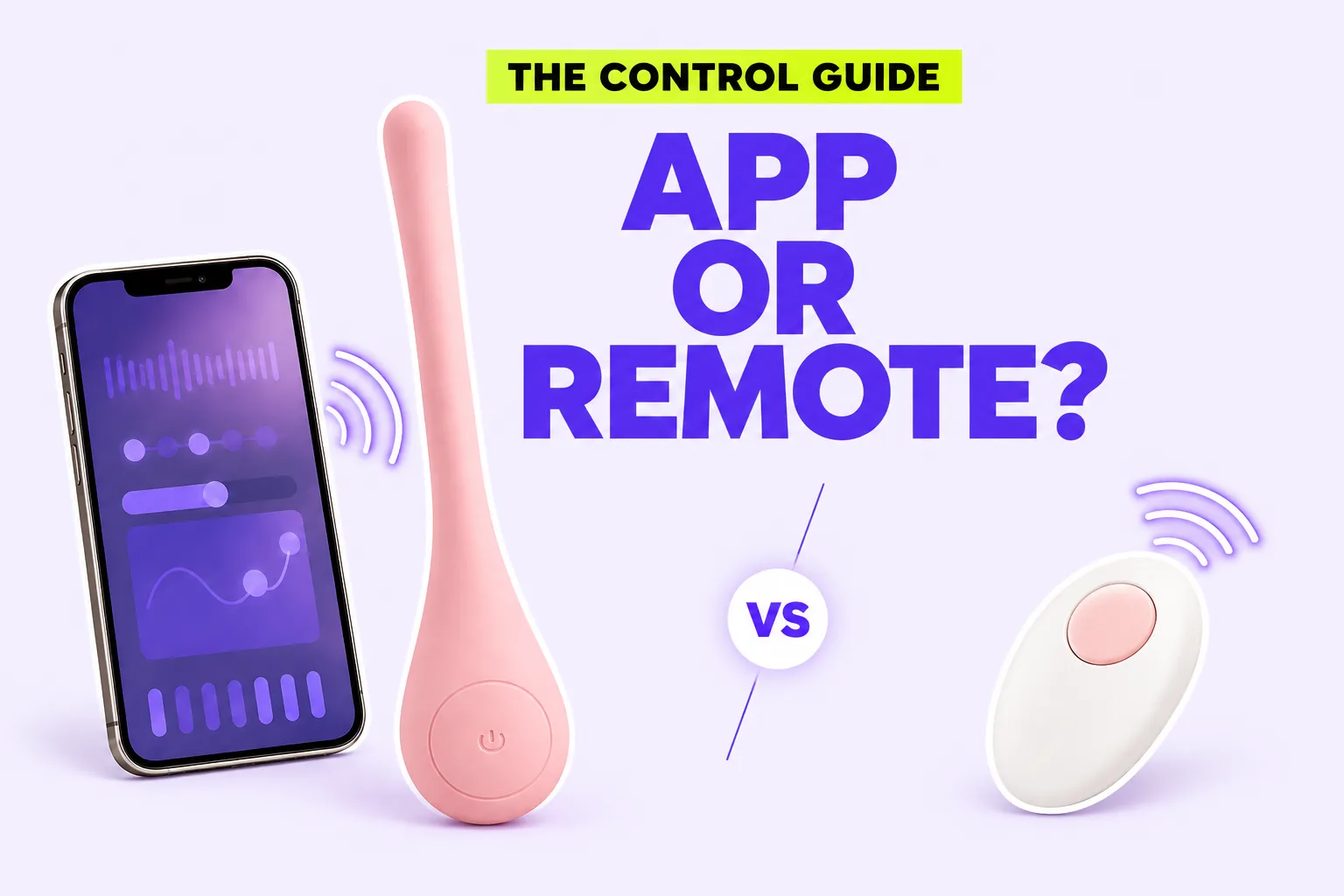
When a listing says “remote-controlled,” the remote might be a small handheld controller, a phone in the same room, or a partner’s phone in another city. Those experiences have different requirements.
A handheld remote is usually the simplest arrangement. It communicates directly with the product at close range. There may be no phone, account, or internet connection involved. The tradeoff is that range can be limited, and the remote is one more object to charge, store, or misplace.
An app-controlled vibrator uses a companion app as the controller. A 2024 narrative review in Current Sexual Health Reports describes smart sex toys as devices commonly connected to a phone or tablet through Bluetooth, with some apps also handling information communicated by the device. That extra connection can create more control options, but it also makes the app’s permissions, account design, updates, and privacy practices part of the buying decision.
Long-distance control normally goes a step further: the local phone connects to the product, while the internet carries commands from an invited partner. A product that works through Bluetooth nearby does not automatically support control from anywhere. Look for an explicit long-distance feature instead of assuming “app-controlled” guarantees it.
Think in three control paths
Rather than counting modes, picture the moments in which you would actually use the product. Most connected vibrators offer one or more of these paths.
1. On-device control
Buttons on the product matter even when an app is available. They let you start, stop, or change intensity without finding your phone. They also give you a fallback if the app closes, the connection drops, or you simply do not want to pair the device.
Check whether the buttons are easy to identify by touch, whether a long press turns the product off, and whether the lowest setting is genuinely useful to you. Ten patterns are less valuable than one control you can find calmly.
2. Nearby remote control
This can mean a dedicated remote or a phone connected locally. It may be useful when the product is difficult to reach, when a partner is nearby, or when changing settings on the device would interrupt positioning.
Ask what happens when the connection is lost. A thoughtful design should still leave the person wearing or holding the product with a clear way to stop it.
3. Internet-based partner control
This is the path that can support long-distance sharing. It also adds the most moving parts: accounts, invitations, internet access, app permissions, and potentially data handled by the app provider.
Research on wireless sexual devices has found that users may value connection across distance while also navigating questions about consent, responsibility, and data governance. The point is not that connected products are automatically unsafe. It is that digital privacy belongs in the same decision as comfort and control.
Before pairing, ask questions the product page may not answer
A connected vibrator is also a consumer connected device. The Federal Trade Commission recommends keeping connected-device apps current and securing the network and accounts they rely on. NIST’s consumer Internet of Things guidance similarly emphasizes controlled access, secure authentication, software updates, and the ability to manage data.
Turn those general principles into a short pre-pairing check:
- Account: Is an account required for local control? Can you use a unique password and multifactor authentication if offered?
- Permissions: Does the app request microphone, camera, contacts, precise location, or photo access? Is each permission necessary for the feature you intend to use?
- Partner access: Is control granted through a temporary invitation, a reusable link, or shared credentials? Prefer a method you can revoke without sharing your password.
- Data: Does the privacy policy explain what is collected, why, how long it is retained, and whether deletion is available?
- Updates: Is the app still maintained, and when was it last updated in the app store?
- Fallback: Can you turn the product off directly without the app?
You do not need to grant every permission at installation. Begin with the minimum needed for the feature you are using, then revisit phone permissions later. If an app cannot explain why it wants access to something sensitive, that uncertainty is a legitimate reason to pause.
Sharing control should never mean surrendering the stop button
Remote control can feel playful precisely because one person temporarily directs the rhythm. That exchange works best when control is specific, reversible, and discussed before the product is active.
A simple conversation can cover four points:
- Who will control the product, and for how long?
- What settings or intensity limits feel comfortable?
- What word, gesture, or message means pause or stop?
- How will the invitation or account access be removed afterward?
The person wearing or holding the product should retain a reliable way to stop it locally. If you are introducing the idea to a partner for the first time, our guide to talking about a vibrator without making the conversation awkward offers a gentler place to begin.
Choose the least complicated system that does what you want
If you only want to change settings from across the room, a physical remote or local phone connection may be enough. If you want long-distance sharing, confirm that the product supports internet-based invitations—not merely Bluetooth. If privacy or setup is your biggest concern, prioritize strong onboard controls and treat the app as optional.
If sound and storage are also part of your privacy needs, use our guide to choosing a quiet vibrator for a practical room-by-room checklist.
Use this decision rule:
- Choose onboard control first when simplicity and independence matter most.
- Choose a physical remote when you want nearby control without a phone account.
- Choose app control when customizable patterns or phone-based control are genuinely useful.
- Choose verified long-distance control when connection across locations is the actual goal.
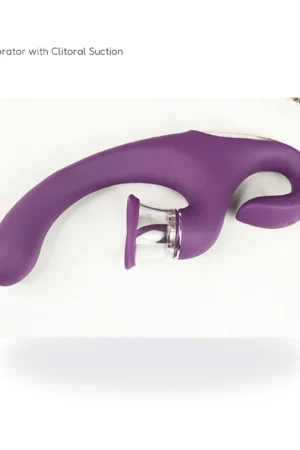
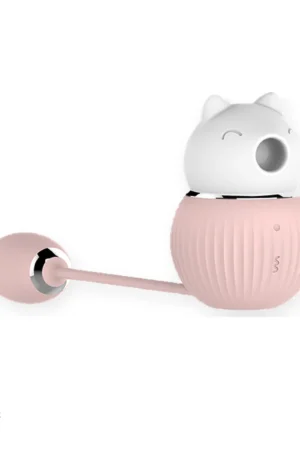
Eve’s Whisper currently carries two products with phone-enabled options. SERA combines onboard control with app-enabled remote play, while the Little Monster wearable massager offers onboard buttons and phone-enabled control in the supported mini-program version. Review each product page and its supplied instructions before relying on any specific connection method.
Frequently asked questions
Does app-controlled always mean long-distance?
No. Some apps control a product only through a nearby Bluetooth connection. Long-distance use generally requires an internet-based partner or invitation feature that the manufacturer explicitly supports.
Can an app-controlled vibrator work without a phone?
Some can, using buttons on the product; others depend more heavily on the app. Check the exact instructions before buying. Strong onboard controls are useful even if you plan to use the app most of the time.
Is a physical remote more private than an app?
It can involve less account and internet data, but “more private” depends on the exact design. A physical remote still needs secure pairing and sensible storage. An app’s privacy depends on its permissions, account security, data practices, and update support.
Should partners share one app password?
Prefer a product’s invitation or partner-control feature when available. Sharing a password can expose more account access than intended and makes revoking one person’s access harder.
What should I do if the connection drops?
Use the product’s local stop control and follow its pairing instructions. Do not continue wearing or using a product if you cannot reliably turn it off.
A note on wellbeing: This guide offers general educational information, not medical or cybersecurity certification for a particular product or app. Stop using a product if it causes pain, persistent numbness, irritation, bleeding, or another concerning symptom, and seek qualified care when appropriate. Follow the exact manufacturer instructions for intended use, cleaning, waterproofing, charging, pairing, and removal.
Sources
- Federal Trade Commission: Securing Your Internet-Connected Devices at Home
- National Institute of Standards and Technology: Profile of the IoT Core Baseline for Consumer IoT Products
- Current Sexual Health Reports: Smart Sex Toys—A Narrative Review of Recent Research
- Sexualities: Play, secrecy and consent—privacy breaches and sensitive data in networked sex toys
- Eve’s Whisper: SERA product information
- Eve’s Whisper: Little Monster product information




Comment (1)